Problem
The Envision app was a Swiss knife because 2018 AI left no other choice. Every capability had to be its own model and its own feature: one for reading text, one for describing scenes, one trained specifically to recognize banknotes. It worked, but the thing we have always optimized for is speed of access to information, and the feature-by-feature approach has a ceiling.
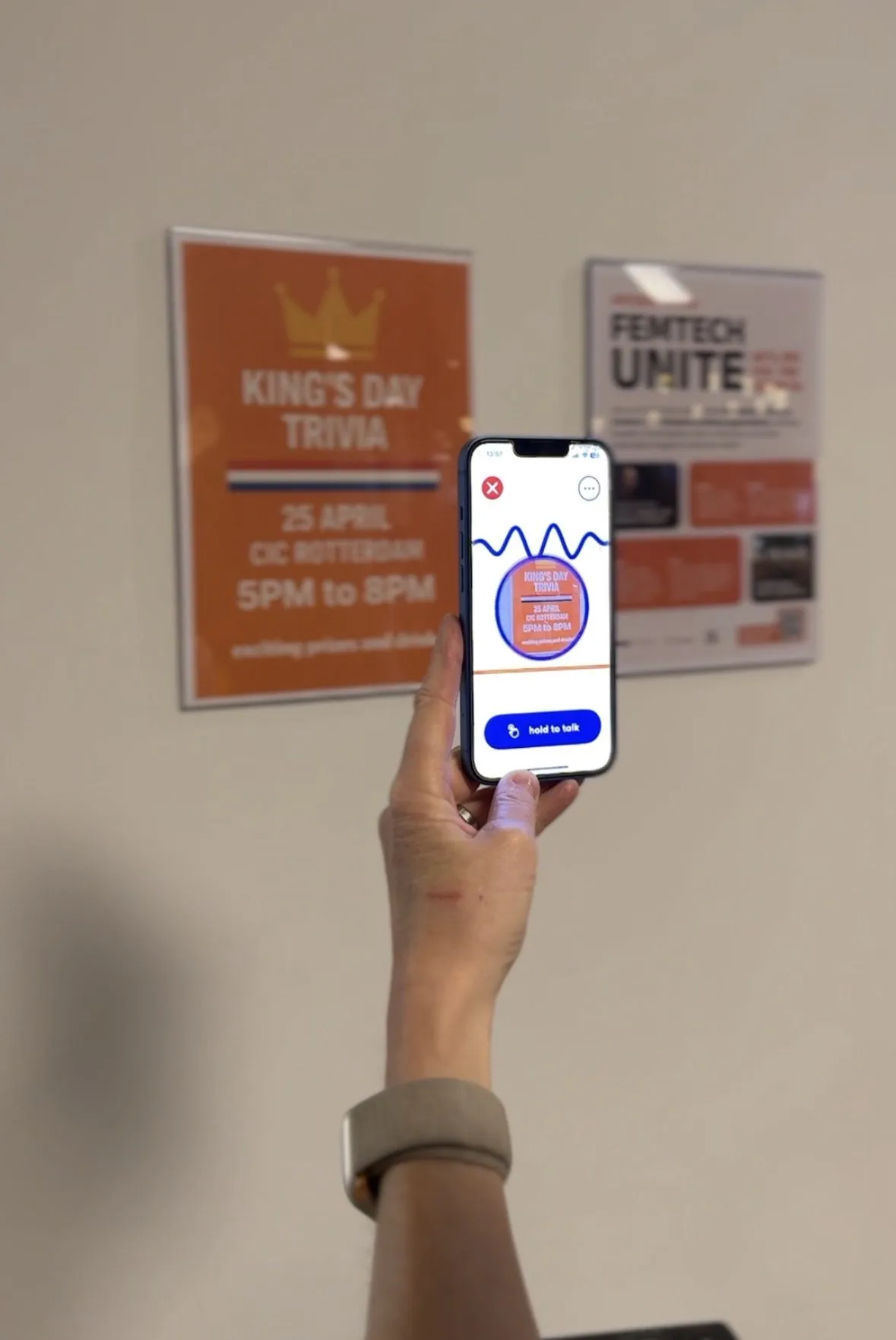
Picture a blind person handed a menu. With the classic app: take out the phone, find the scan feature, photograph the menu, then listen through the whole thing to find the vegetarian options. The information was accessible. It just was not fast.
Process
Multimodal AI changed the paradigm. When one model can see, read and reason, the interface stops being a toolbox and becomes a conversation: ask for what you want, and let an agent work out how to get it.
We decided this could not live inside the Envision app. The old app carried years of feature-based structure, and this approach deserved a clean slate. So we started a new product, built agent-first, and called it Ally.
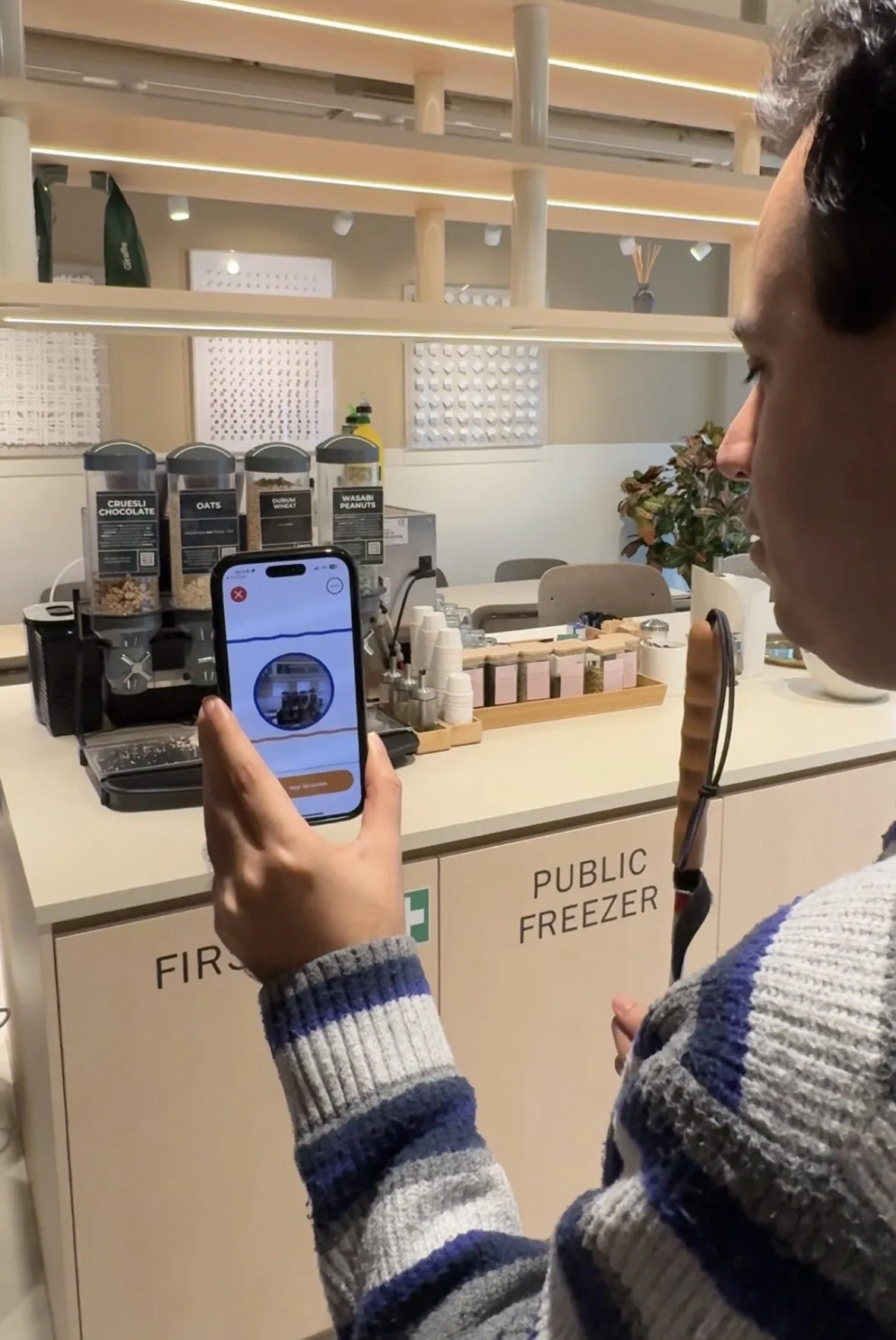
Ask Ally “what are the vegetarian options on this menu?” and the agent picks its own tools: camera, then text recognition, then a language model to answer the actual question, then your personal context to shape how the answer is delivered. Seconds, instead of a scan and a scroll. Everything the Envision app could do, cash recognition included, still exists inside Ally, but as tools the agent reaches for, not buttons the user hunts through.
The other thing the new era unlocked is hyper-personalization. Vision impairment is a spectrum, low vision, macular degeneration, retinitis pigmentosa, and no two people want information the same way. Ally users describe their own sight, their preferences, how concise or verbose to be, how fast to read, which voice to use. Some give it a personality: be Alfred from Batman, be Spock.
The clearest test of the approach came from somewhere we had not planned for. A museum is almost perfectly hostile to a blind visitor: the whole experience is visual, the labels are small print, and the one thing you may not do is touch. So we built Ally for Museums. A visitor opens it in a browser, points a phone at a piece and asks about it. No hardware to install, no audio guide to hire, and a museum can be running it within days.
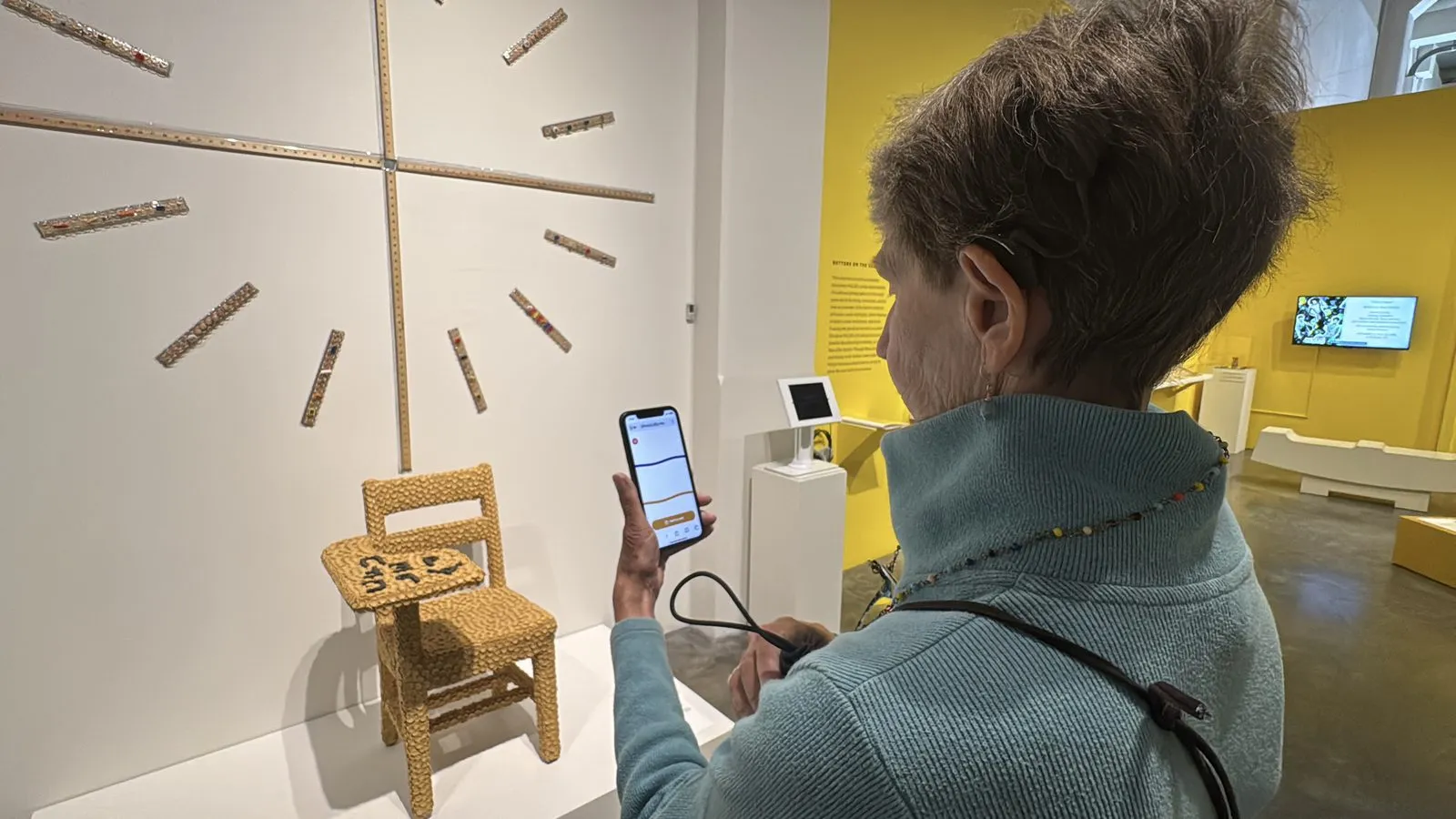
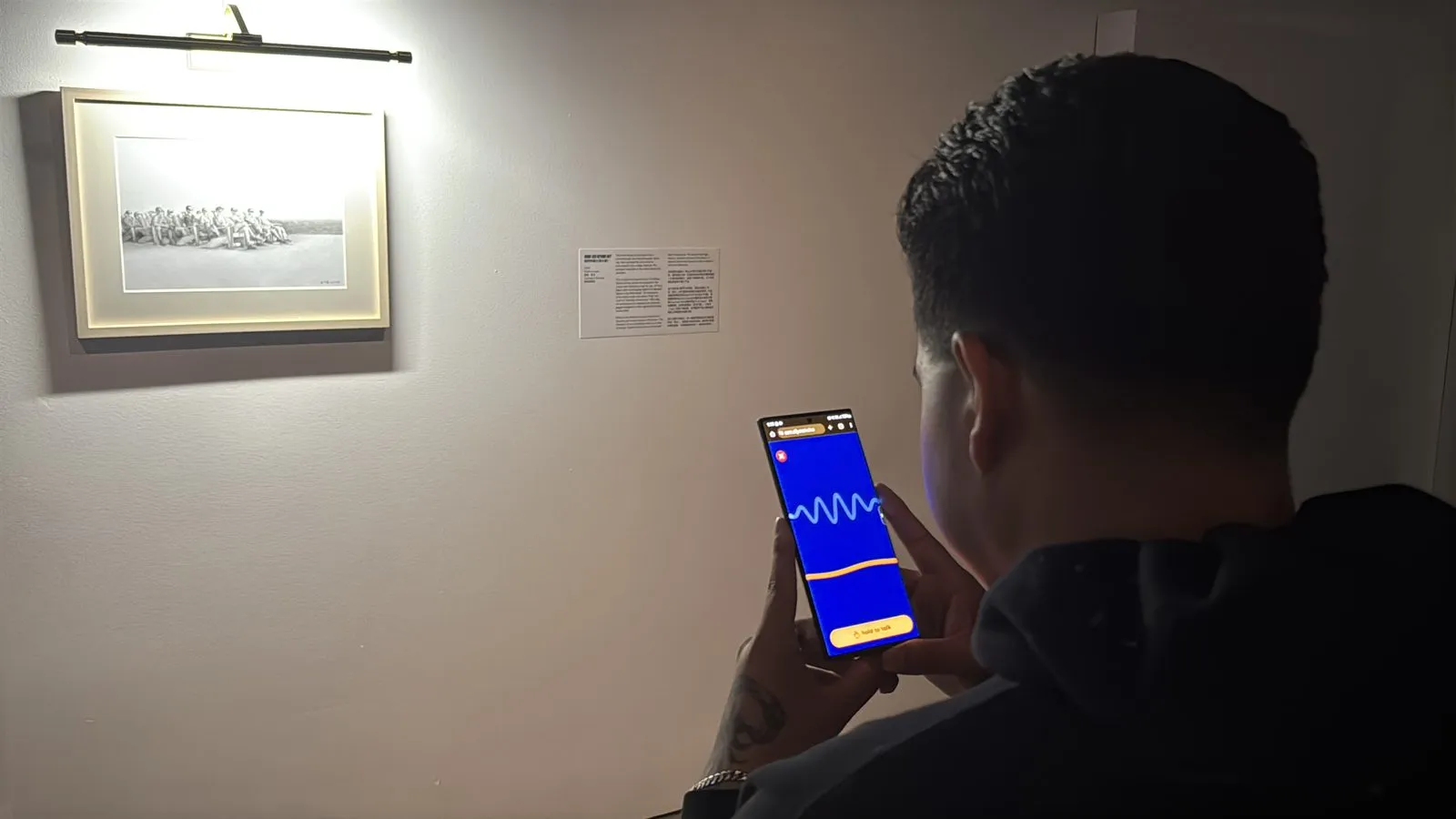
We piloted it with the Museum of Craft and Design and the Asian Art Museum in San Francisco. Every visitor in those pilots said it improved their visit, but the part that convinced me was the follow-up questions: what the material was, what the artist meant, why that colour. Nobody asks a wall label a second question.
Solution
The interface is a conversation. No feature grid, no buttons to memorize. Open the app, ask, and Ally sees what your camera sees: what is in front of me, help me find the door, read this letter and tell me if anything needs a signature. It reads print, describes scenes, scans documents, searches the web, checks calendars and weather, and remembers the context of the person it is helping.
Impact
Over ten million minutes of conversation and counting, from thousands of people who talk to Ally every day.
But the better measure is what people do with it. Bryon, in Melbourne, travels to new countries by himself again, with Ally along to guide him and make things accessible when he is out and about. That word “again” is the whole product.